
What Is a Word Counter?
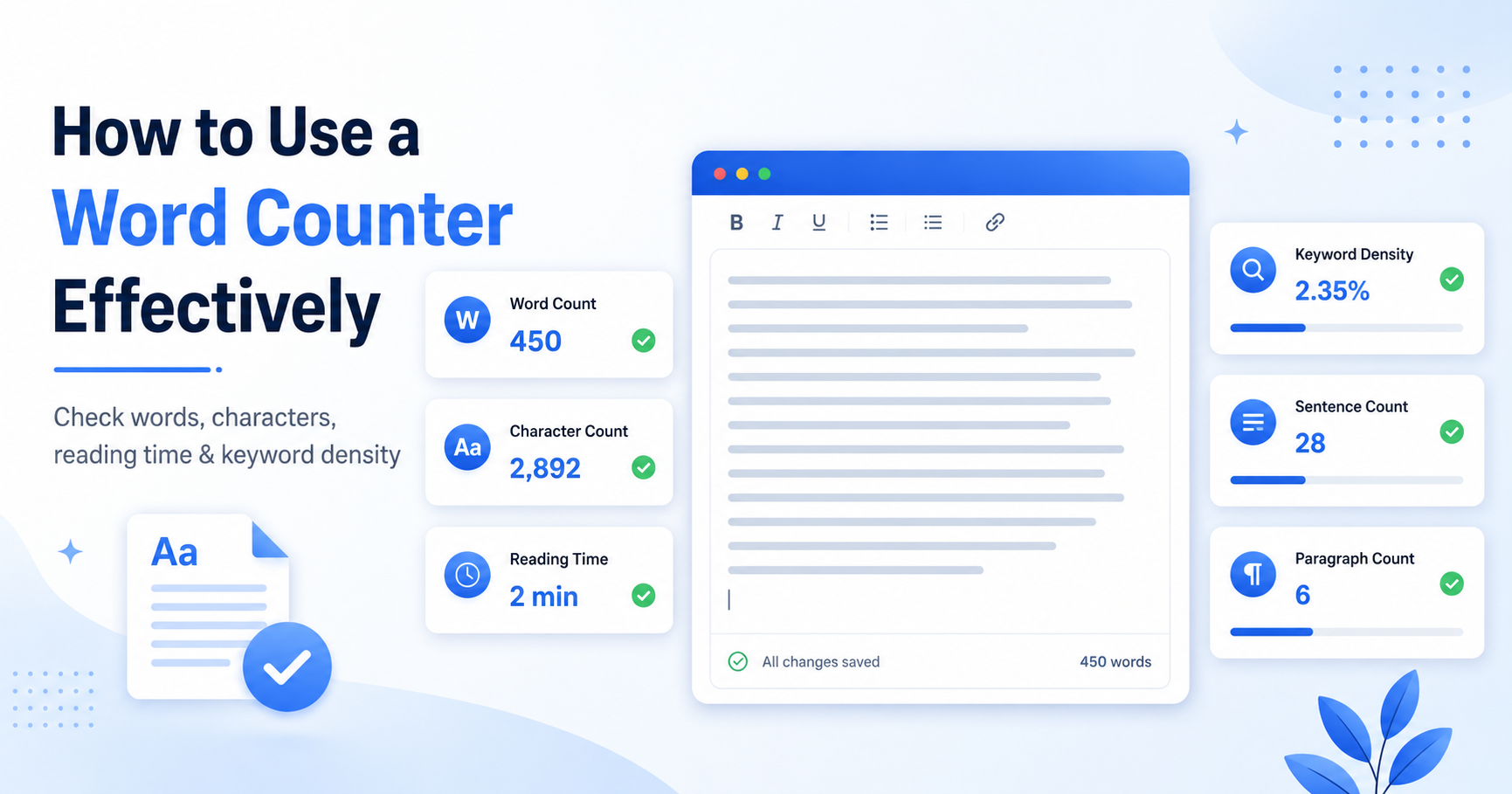
A word counter is an online tool that calculates how many words are in a piece of text. Modern word counters usually do more than count words. They can also show word count, character count, sentence count, paragraph count, reading time, keyword density, and other writing statistics.
For example, when you paste your article, essay, caption, or product description into a word counter, it can instantly show whether your text is too short, too long, or within the limit you need.
A good word counter is useful for:
- Blog posts
- Essays and assignments
- Product descriptions
- Meta descriptions
- Social media captions
- YouTube descriptions
- Email drafts
- Speeches and scripts
- SEO content
- Website copy
Use our free Word Counter to check your text instantly.
Why Word Count Matters
Word count matters because every type of writing has a purpose and a limit.
A school assignment may require 800 words. A blog post may need enough detail to cover the topic properly. A meta description should stay short and clear. A social media caption may need to fit within platform limits. Without checking the length, it is easy to write too much or too little.
Word count also affects the reader's experience. A very short article may not answer the user's question properly. A very long article may lose readers if it repeats the same points. The goal is not to write more words. The goal is to write enough helpful content to answer the topic clearly.
A word counter helps you understand:
- How long your content is
- Whether your writing meets a requirement
- How much time it may take to read
- Whether your paragraphs are too long
- Whether your keyword usage looks natural
- Whether your text needs trimming or more detail
Good writing is not about hitting a random number. It is about matching the length to the purpose.
How to Use a Word Counter Effectively
Using a word counter is simple, but using it effectively requires a proper workflow.
Write Your First Draft
Start by writing your content naturally. Do not worry too much about the word count in the beginning. If you focus only on the number, your writing may become robotic or repetitive.
Write your ideas first. Explain the topic clearly. Add examples where helpful. After that, use a word counter to improve the draft.
Paste Your Text Into the Word Counter
Copy your text and paste it into the Word Counter tool. The tool will show your main writing metrics instantly.
Check the basic numbers first:
- Total words
- Total characters
- Sentences
- Paragraphs
- Reading time
- Keyword density
Compare the Result With Your Goal
Ask yourself what the text is for.
- Essay: Does it meet the required word limit?
- Blog post: Does it cover the topic in enough detail?
- Meta description: Is it short enough?
- Social caption: Is it clear and not too long?
- Product description: Is it useful but concise?
- Email: Is it direct and easy to read?
The same word count is not right for every format. A 1,200-word article may be useful for a blog, but too long for an email or product description.
Review Reading Time
Reading time helps you understand how much effort your content asks from the reader.
If a short guide shows a very long reading time, your content may have too much unnecessary detail. If an important topic has a very short reading time, it may be too thin and missing useful explanations.
Reading time is especially helpful for:
- Blog posts
- Tutorials
- Guides
- Speeches
- Scripts
- Long emails
- Landing page copy
A reader-friendly article should feel complete without becoming heavy.
Check Keyword Density Carefully
Keyword density shows how often certain words or phrases appear in your content. This can help SEO writers, but it should not be used for keyword stuffing.
For example, if your focus keyword is "word counter," it should appear naturally in the title, introduction, headings, and body. But repeating it in every sentence will make the article look spammy.
Use keyword density as a guide, not as a target.
SEO Tip
Write for humans first. Search engines are more likely to reward helpful content that is clear and well-structured than content that repeats keywords unnaturally.
Edit for Clarity
After checking the numbers, improve the content.
- Long paragraphs
- Repeated sentences
- Weak introductions
- Missing examples
- Unclear headings
- Overused keywords
- Too many filler words
- Very long sentences
A word counter gives the numbers, but you still need human editing to improve the quality.
Important Metrics to Check
A good word counter can show several useful writing metrics. Here is what each metric means and why it matters.
Content Metrics Overview
| Metric | What It Means | Why It Helps |
|---|---|---|
| Word Count | Total number of words in your text | Helps meet writing length requirements |
| Character Count | Total number of characters including spaces | Useful for social media, titles, descriptions, and forms |
| Characters Without Spaces | Characters excluding spaces | Helpful for strict character limits |
| Sentence Count | Total number of sentences | Helps review writing structure |
| Paragraph Count | Total number of paragraphs | Helps check readability and layout |
| Reading Time | Estimated time needed to read the text | Helps understand reader effort |
| Keyword Density | How often a word or phrase appears | Helps review keyword usage without overusing it |
| Unique Words | Number of different words used | Helps identify repetition and vocabulary variety |
Word Counter Workflow
A simple word counter workflow helps writers move from rough draft to polished content.
Word Counter for SEO Writing
SEO writers often use word counters to review content length, keyword usage, and readability. But word count alone does not guarantee ranking.
A 500-word article can rank if it answers a simple question clearly. A 2,000-word article can fail if it is repetitive, confusing, or not helpful. The best SEO content is complete, easy to understand, and written for real users.
A word counter can help SEO writers check:
- Whether the article is too thin
- Whether the content covers the topic properly
- Whether the focus keyword appears naturally
- Whether headings are supported by enough explanation
- Whether the article needs examples, FAQs, or internal links
- Whether the content is easy to scan
For better SEO, combine word counting with internal links. If you write about word count, link naturally to the Word Counter tool. If you discuss uppercase, lowercase, sentence case, or title case, link to the Case Converter. If you discuss creative text styles, link to tools like the Small Text Generator or Reverse Text Generator when relevant.
Word Counter for Students
Students often need to follow strict word count requirements. Essays, reports, summaries, and assignments may have minimum or maximum word limits.
A word counter helps students:
- Check essay length
- Avoid going over the required limit
- Find sections that need more detail
- Reduce unnecessary repetition
- Improve paragraph structure
- Estimate reading time for speeches or presentations
For example, if an assignment requires 1,000 words and your draft has only 650 words, you may need to add more explanation, examples, or evidence. If your draft has 1,400 words, you may need to remove repetition and make your points more direct.
Students should not add filler just to increase the word count.
Word Counter for Social Media and Short Text
Word counters are also useful for short content.
Social media posts, captions, bios, usernames, and descriptions often need to be short, clear, and easy to read. Character count is especially important for these formats.
You can use a word counter for:
- Instagram captions
- LinkedIn posts
- X/Twitter posts
- YouTube descriptions
- Profile bios
- Short ads
- Email subject lines
- Product titles
After checking your text length, you can improve formatting with other tools. Use a Case Converter to fix uppercase or lowercase text, or use creative formatting tools like Small Text Generator for social media style ideas.
Common Mistakes to Avoid
A word counter is helpful, but many people use it the wrong way. Here are common mistakes to avoid.
1. Writing Only to Reach a Number
Do not write extra sentences just to reach a word count. Filler content makes writing weaker. Add useful examples, explanations, or steps instead.
2. Ignoring Readability
A long article is not automatically better. If the article has long paragraphs, confusing sentences, or repeated ideas, readers may leave.
3. Keyword Stuffing
Repeating the same keyword too many times can hurt readability. Do not use keyword stuffing. Use your focus keyword naturally and include related phrases where they fit.
4. Forgetting Character Limits
Sometimes character count matters more than word count. Meta descriptions, titles, captions, and bios often have character limits.
5. Not Checking Paragraph Structure
A text may have a good word count but poor structure. Break long paragraphs into smaller sections and use clear headings.
6. Not Editing After Counting
Counting is only the first step. You still need to edit for clarity, grammar, flow, and usefulness.
Best Workflow for Using a Word Counter
Here is a simple workflow you can follow for almost any type of writing.
1. Draft First
Write your first version without worrying too much about numbers.
2. Check Word Count
Paste the content into a word counter and review the total word count.
3. Check Character Count
Look at character count if the content is for social media, meta fields, forms, titles, or descriptions.
4. Review Reading Time
Ask whether the reading time matches the purpose of the content.
5. Check Keyword Usage
Review keyword density, but do not force keywords.
6. Improve Structure
Add headings, shorten long paragraphs, and remove repeated ideas.
7. Add Internal Links
Link to useful related pages or tools where it helps the reader.
8. Final Review
Read the content again before publishing or submitting.
Related Tools That Help After Word Counting
A word counter is often the first step. After checking your text, you may need other tools to clean, format, or improve it.
Word Counter
Use the Word Counter to check words, characters, reading time, sentences, paragraphs, and keyword density.
Case Converter
Use the Case Converter when your text is accidentally typed in uppercase, lowercase, or inconsistent formatting.
Reverse Text Generator
Use the Reverse Text Generator if you need reversed text for creative formatting, puzzles, or fun text effects.
Small Text Generator
Use the Small Text Generator to create small caps, superscript, subscript, or tiny text styles for creative text formatting.
Word Combiner
Use the Word Combiner if you are brainstorming brand names, domain names, usernames, or keyword combinations.
Final Thoughts
A word counter is a simple tool, but it becomes powerful when you use it as part of a complete writing workflow.
Do not use it only to chase a number. Use it to understand your content, improve structure, check readability, avoid keyword stuffing, and prepare your writing for publishing.
Whether you are writing an essay, blog post, product description, social caption, or SEO article, a word counter can help you make better decisions before sharing your text.
Start by checking your text with the free Word Counter, then use related tools like the Case Converter, Small Text Generator, and Word Combiner to format, polish, and improve your content.